You can easily reset your Google Admin Password via your Tailor Brands Account.

To do so, follow the steps below:
- Log in to your Tailor Brands account
- Go to the Business email (Google Workspace) tab on the left-hand menu
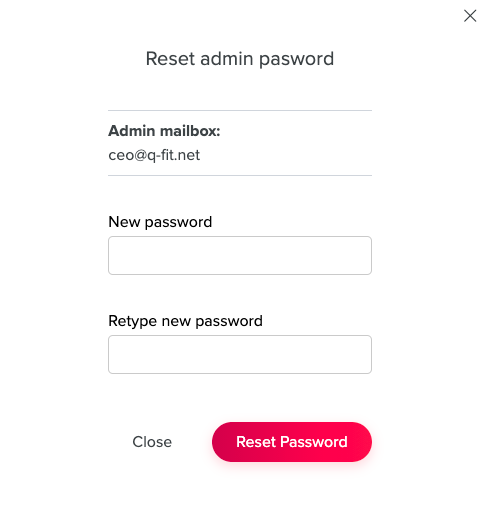
- Click Reset Admin Password
- Enter a new password
- Verify your new password
- Click Reset Password
More questions? Getting in touch with us is easy - You can send us an email at contact@tailorbrands.com, click here for our phone contact information, or simply click the Help button located in the bottom right-hand corner of our website.